Getting Started
Create your account, set up your profile and device, and learn how Xopoz protects your location data.
What is Xopoz?
Xopoz is a privacy-first GPS team tracking app for Android. It lets you and your team share real-time locations securely, save points of interest, and coordinate in the field — all without relying on Google Maps or exposing your data to third parties.
- Real-time GPS tracking with intelligent battery management
- Encrypted location sharing — the server can never read your coordinates
- Points of Interest with folder organisation and team sharing
- Complete map freedom — use any raster map tile server you prefer
- GDPR-compliant privacy controls — you decide what is stored and shared
Creating Your Account
The first screen offers two modes: Existing user (log in) and Create Account. Tap the link at the bottom of the form to switch between them.
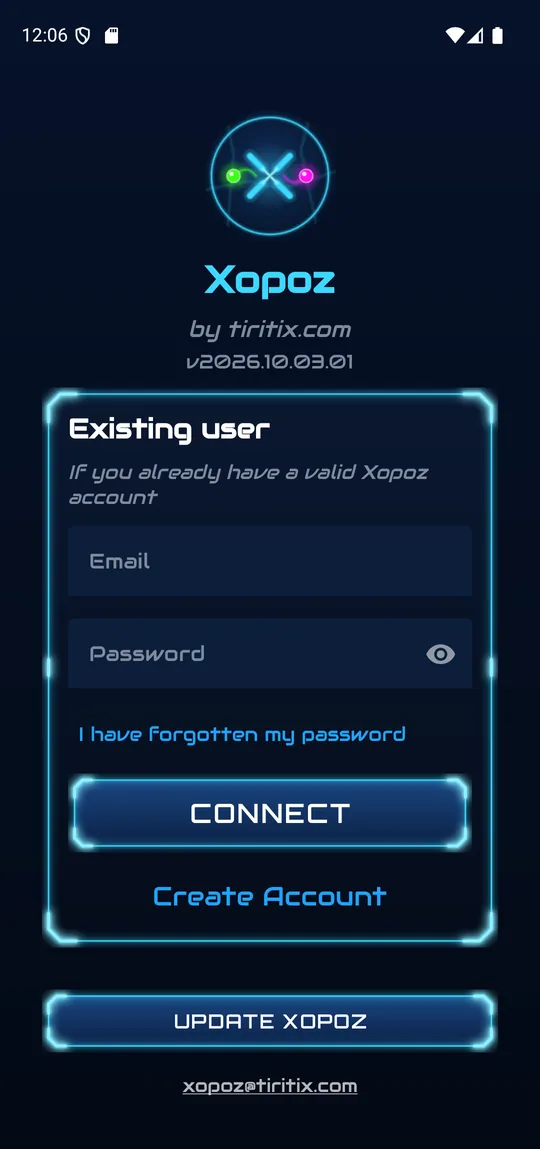
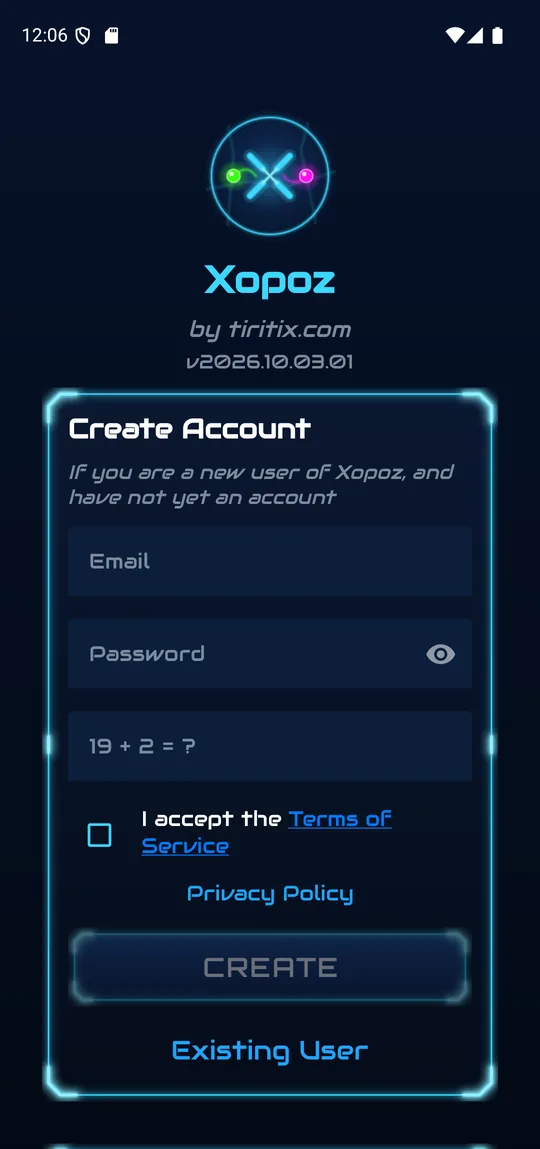
- Open Xopoz and tap Create Account at the bottom of the form.
- Enter your email address. A valid email is required because a verification email will be sent.
- Choose a password. Tap the eye icon to show or hide what you type.
- Answer the small addition challenge (for example
19 + 2 = ?) — it proves you are a person, not a bot. - Tick I accept the Terms of Service. The Terms and the Privacy Policy links open the full documents.
- Tap Create, then check your inbox and follow the verification link.
- Switch back to Existing User, enter your email and password and tap Connect.
The Update Xopoz button below the form opens the store page when a newer version is available, and the support address xopoz@tiritix.com is always shown at the bottom.
Forgotten Password
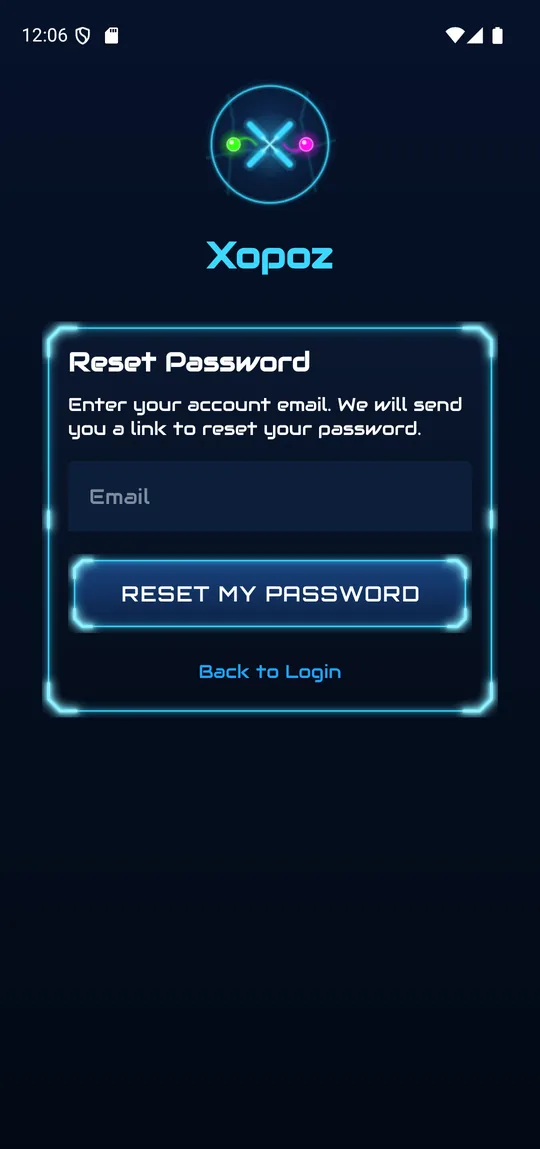
- On the login screen, tap I have forgotten my password.
- Enter your account email and tap Reset My Password.
- Open the link in the email you receive to choose a new password.
- Tap Back to Login to return to the login form.
Staff / CRM Token Login
If your organisation provided you with a token (e.g. CUST-ABC123), enter it directly in the login field — no email address needed. The login field accepts any valid identifier.
Setting Up Your Profile
Your profile controls how you appear to team members. Open Settings → User Profile to edit it at any time.
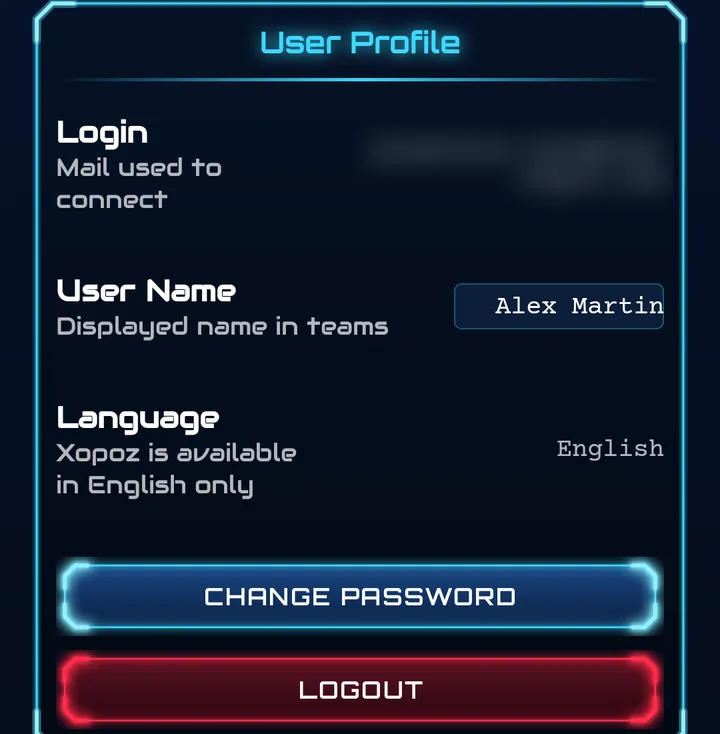
- Login — the email you use to connect (read-only)
- User Name — your name as displayed to your teammates. The change is saved as soon as you leave the field.
- Language — Xopoz is currently available in English only
- Change Password — set a new password for your account
- Logout — signs you out of this device. Your local trail and other local data are kept; you simply have to log in again.
Configuring Your Device
Each device is an independent entity in Xopoz. You can customise how this device appears on the map in Settings → Device Settings.
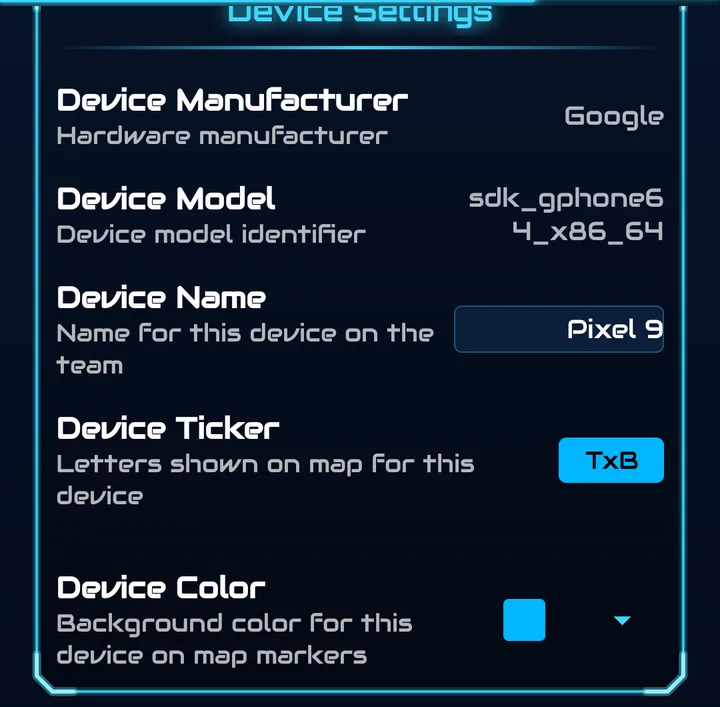
- Device Manufacturer and Device Model — detected from the hardware (read-only)
- Device Name — the name of this device in your teams; you can rename it
- Device Ticker — the few letters (or an emoji) shown inside your map marker, e.g.
TxB - Device Color — the background colour of your marker on the map
Privacy-First Design
By default, Xopoz does not share your location with anyone. As long as you are not in a team, the Teams tab reminds you: “You are not in a team. Your position is not sent to anyone.”
- No location data is shared without your explicit consent
- You can leave a team at any time to stop sharing
- Two independent privacy controls: save my position locally and save my position on server
- All shared location data is encrypted — the server stores only encrypted blobs
See the Settings guide for full details on privacy controls.
What's Next?
Now that your account is set up, explore these guides to get the most out of Xopoz:
- Interface & Menu — Toolbar, bottom tabs and every entry of the side menu
- Map — Every map button, navigation modes and position tracking
- Teams — Create or join a team and invite other devices
- Points of Interest — Save important locations
- Settings — Configure privacy, maps and more