Settings
The Settings tab gathers your profile, device identity, location and map options, privacy controls, Android permission checks, logging, license and account information — from top to bottom, in the order below.
Statistics and Support
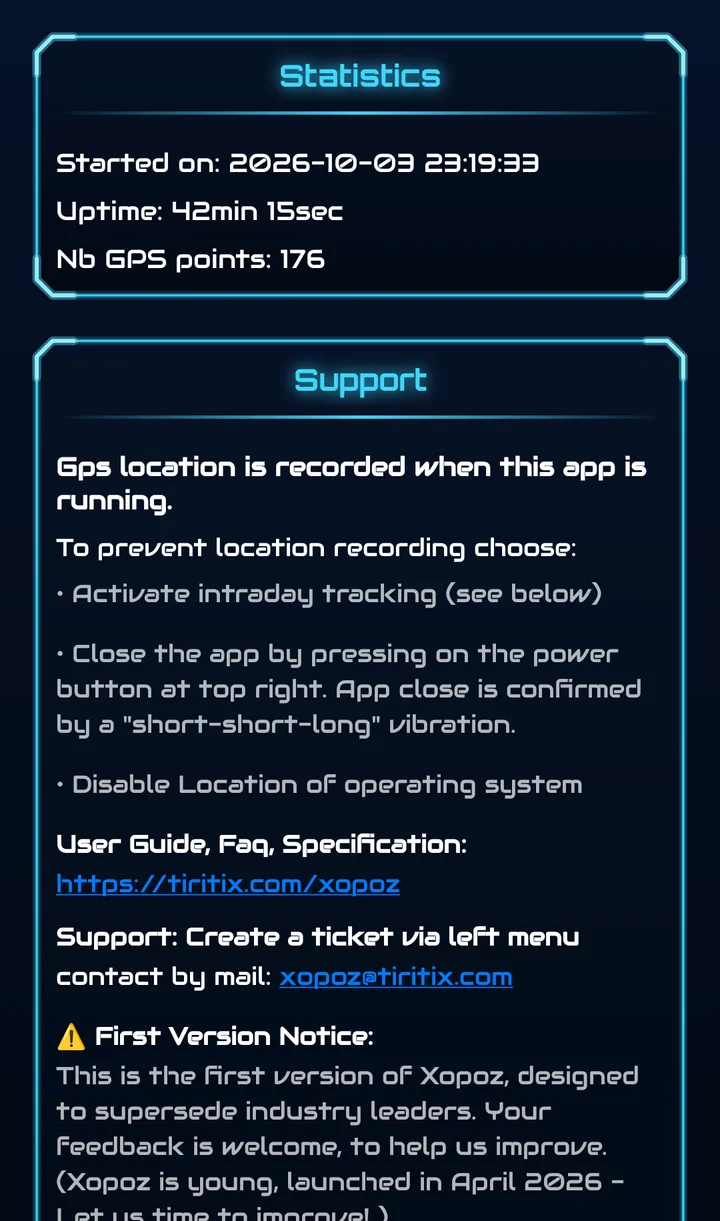
Statistics shows when the app was started, how long it has been running (Uptime) and how many GPS points were recorded in this session.
The Support panel reminds you that your position is recorded while the app runs, and how to stop recording:
- activate Intraday Tracking (see below)
- close the app with the power button at the top right — confirmed by a short-short-long vibration
- disable location in Android
It also links to this guide and explains how to reach support.
User Profile
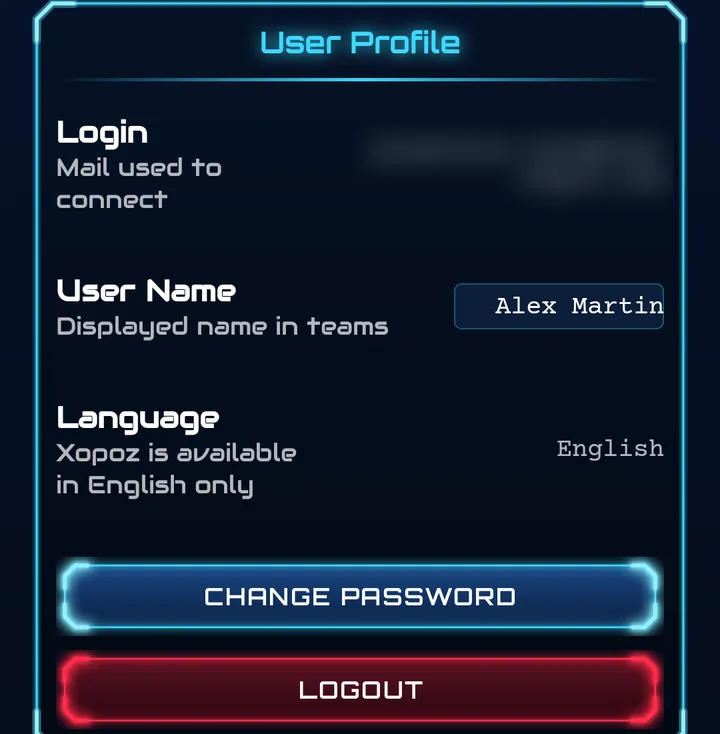
- Login — the email you use to connect
- User Name — your name as displayed in teams
- Language — English (Xopoz is available in English only)
- Change Password — choose a new password
- Logout — sign out of this device after confirmation; your local data is kept
Device Settings
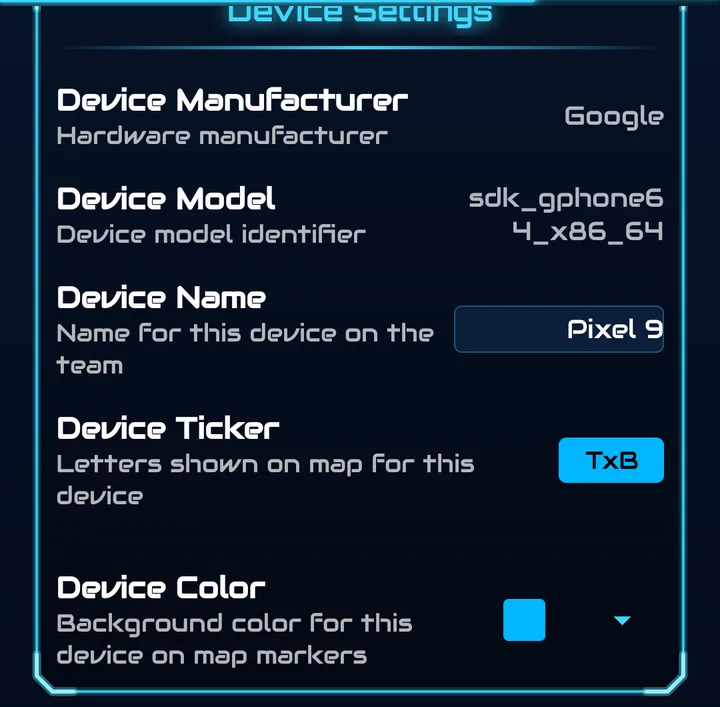
- Device Manufacturer / Device Model — detected automatically
- Device Name — the name of this device in your teams
- Device Ticker — the letters or emoji shown in your map marker
- Device Color — the background colour of your marker
Location Settings
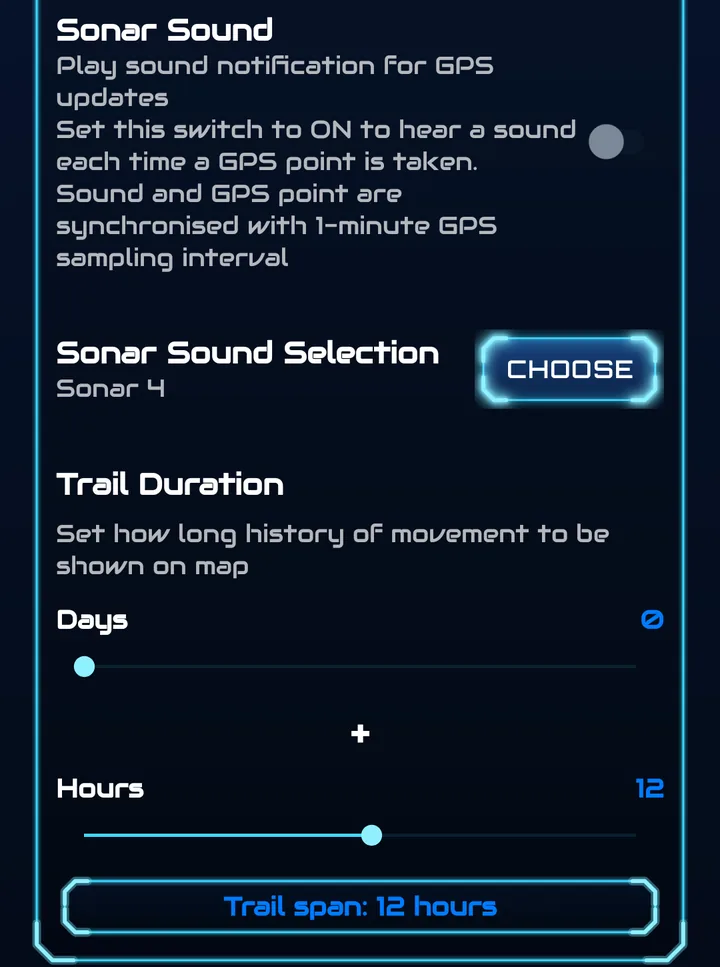
Sonar Sound
Turn on to hear a sound each time a GPS point is taken; sound and GPS point are synchronised with the 1-minute GPS sampling interval. Sonar Sound Selection → Choose lets you pick the sound (e.g. Sonar 4). The same switch exists in the side menu.
Trail Duration
How much movement history is drawn on the map. Combine the Days and Hours sliders; the summary below shows the result (default Trail span: 12 hours, maximum 10 days and 23 hours). Older positions stay stored — they are simply not drawn.
Map Settings
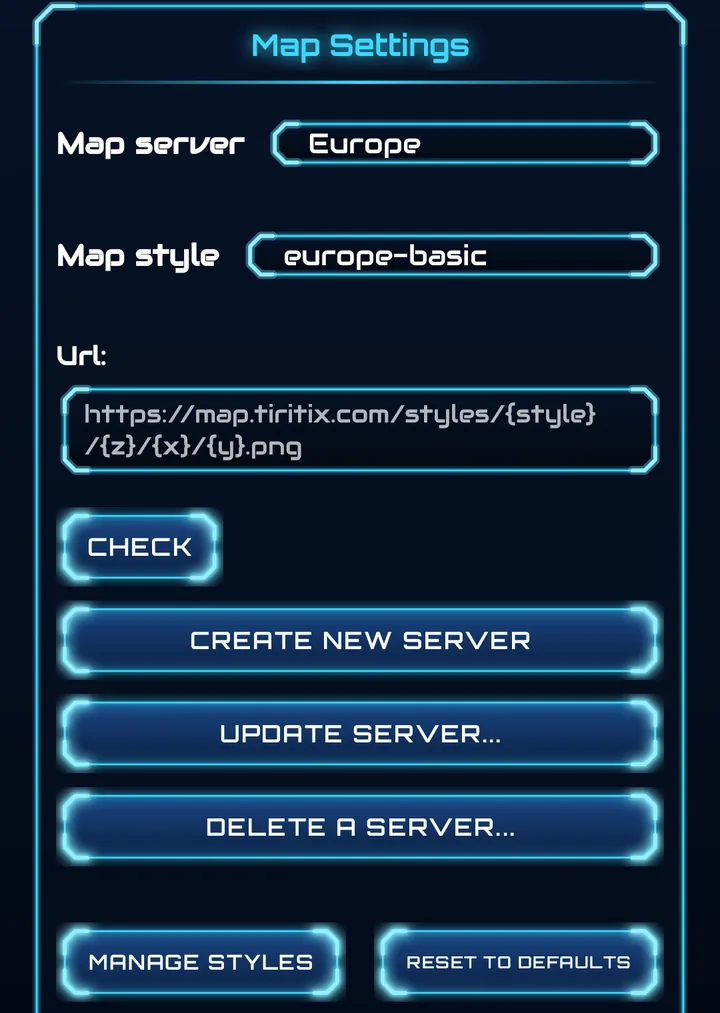
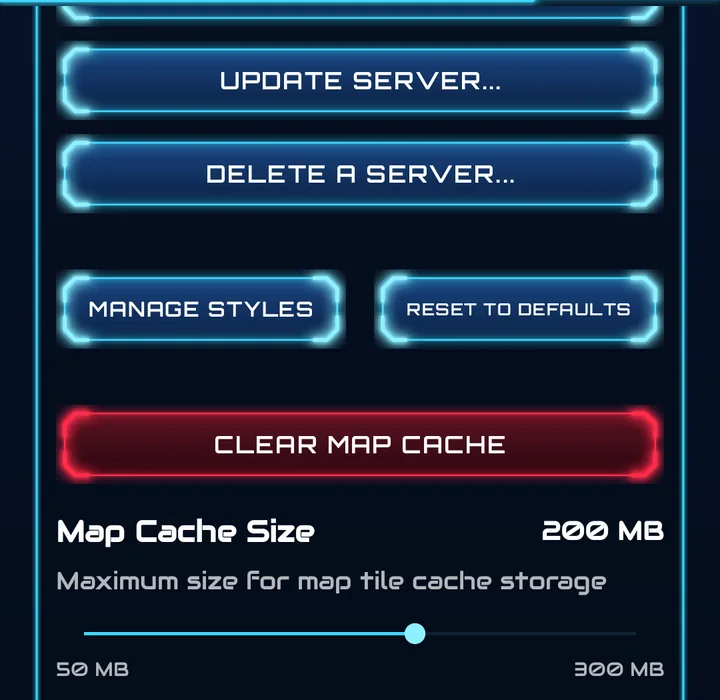
- Map server / Map style — the same choices as in the side menu
- Url — the tile address of the selected server; Check tests that it answers
- Create New Server — add your own tile server
- Update Server… / Delete a Server… — edit or remove a server
- Manage Styles — add or remove the styles offered by a server
- Reset to Defaults — restore the built-in server list
- Clear Map Cache — delete downloaded map tiles
- Map Cache Size — maximum storage for map tiles, from 50 MB to 300 MB (200 MB here)
Custom Map Server Setup
Enter a tile URL template. These placeholders are replaced for every tile:
{z}— zoom level,{x}— tile column,{y}— tile row{style}— the selected style name
Append the file extension (.png / .jpg) or query string exactly as the server expects, e.g. https://server.com/tiles/{z}/{x}/{y}.png. For protected servers, enable Use Authentication and add a Key Name and Key Value (e.g. an API key).
Intraday Tracking
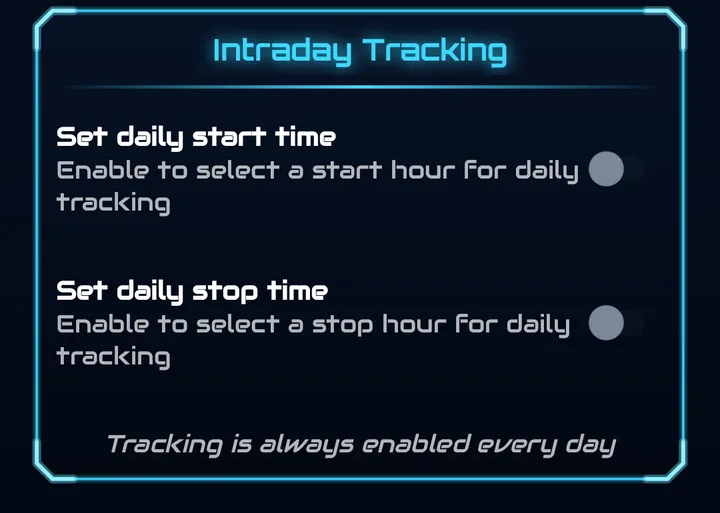
Limit GPS tracking to specific hours of the day — ideal for professional environments where tracking should only happen during working hours.
- Set daily start time — enable to choose the hour tracking begins (between 01:00 and 23:00)
- Set daily stop time — enable to choose the hour tracking ends (after the start time)
- Either or both limits can be set
- Outside the window, a red Intraday blocked label appears on the map
Status Message Examples
- “Tracking is always enabled every day” — no limits set
- “Tracking starts at 08:00 until midnight every day” — start time only
- “Tracking is enabled between 08:00 until 18:00 every day” — both limits set
- “Invalid configuration: start time must be before stop time!” — error shown in red
Privacy Controls
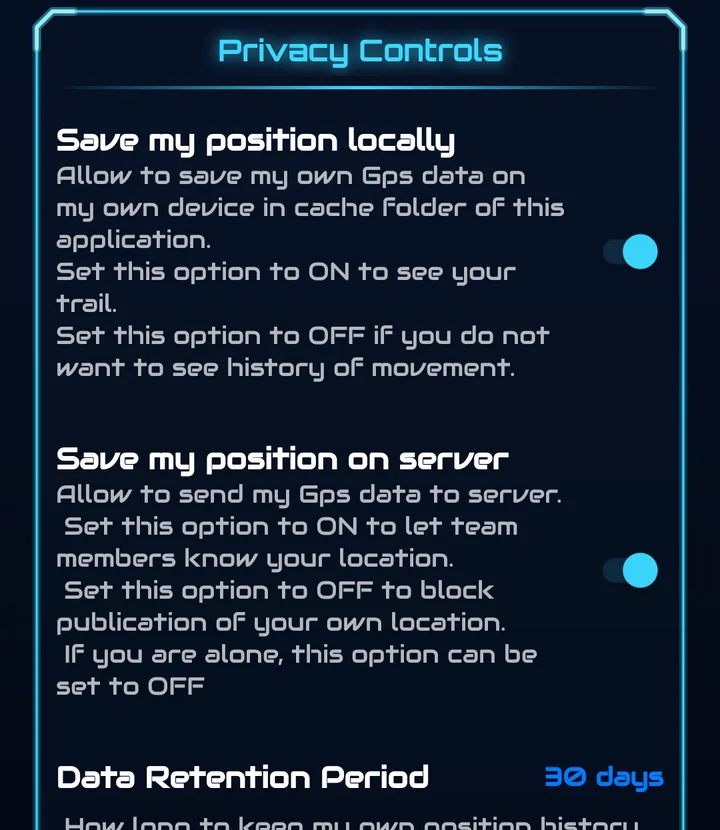
Two independent switches control what happens to your positions:
- Save my position locally — keeps your GPS history on this device so you can see your trail. Turn off if you do not want a history of your movements.
- Save my position on server — sends your encrypted position so team members know where you are. Turn off to stop publishing your location; if you are alone, it can stay off.
| Locally | On server | What happens | Best for |
|---|---|---|---|
| ON | ON | Full tracking — trail on your device and position shared with your team | Normal team collaboration |
| ON | OFF | Private tracking — trail on your device; you appear offline to the team | Personal navigation without team visibility |
| OFF | ON | Team-only — position shared but no local history kept | Team coordination without a personal log |
| OFF | OFF | Nothing stored or shared | Maximum privacy |
Data Retention Period
How long your own position history is kept — the same period applies on the device and on the server (default 30 days). To avoid erasing data by mistake, a change takes effect after a 24-hour delay. Older data is deleted automatically.
Export My Position
Saves your history as a GPX or CSV file. See Export & Import.
Data Sharing Consent
Shows the date you opted in and lists the account data sent to the servers (user name, email address, device identifier, IP address), which is processed separately from your location data. You can withdraw consent by turning the switches off, deleting your account or uninstalling the app. The Privacy Policy link opens the full policy.
Data Deletion
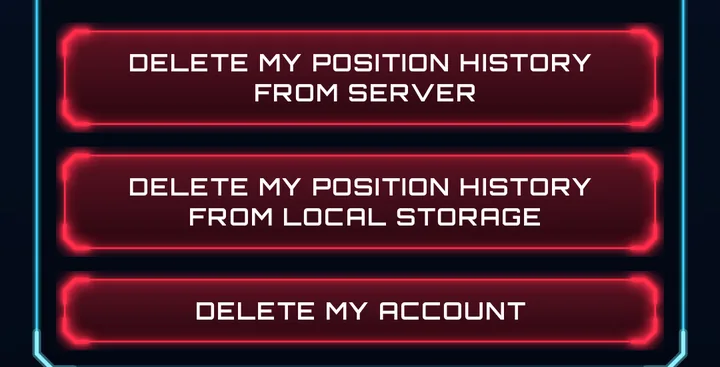
Three red buttons follow the privacy section. All ask for confirmation and cannot be undone.
| Button | What it deletes |
|---|---|
| Delete my position history from server | Your position history on the server only. Your local trail is kept. |
| Delete my position history from local storage | Your position history stored on this device. Server data is kept. |
| Delete my account | Permanently deletes your account and all associated data. |
Operating System Authorizations
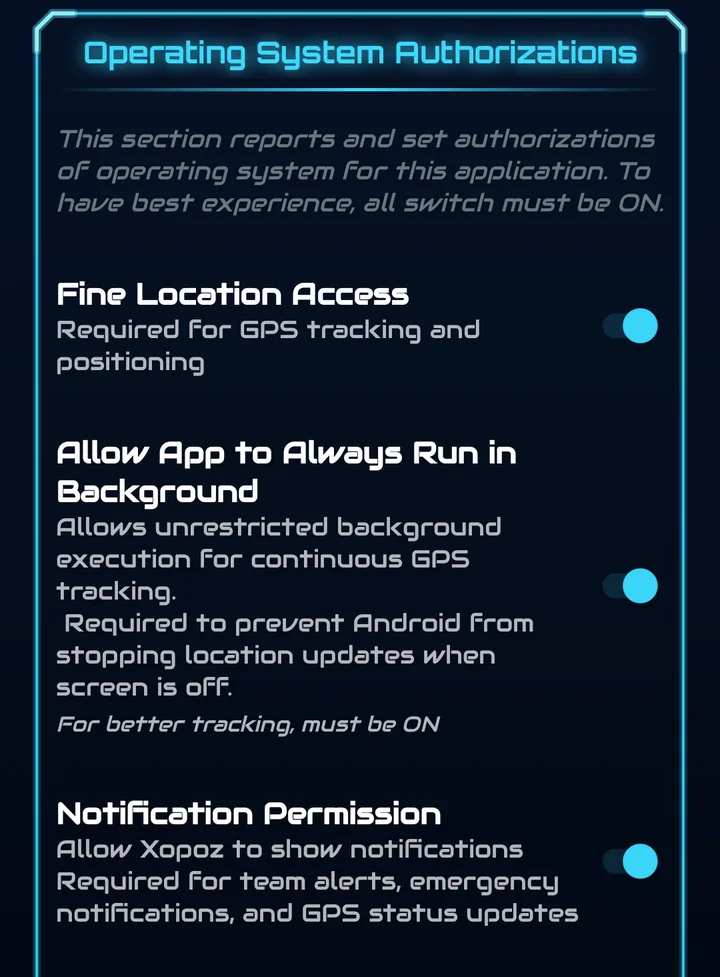
This section shows the Android permissions Xopoz needs and lets you change them. For the best experience, all switches must be ON.
- Fine Location Access — required for GPS tracking
- Allow App to Always Run in Background — prevents Android from stopping location updates when the screen is off
- Notification Permission — required for team alerts, emergency notifications and GPS status
- Display Over Other Apps — lets SOS alerts appear on the lock screen and over other apps
GPS Throttling Configuration
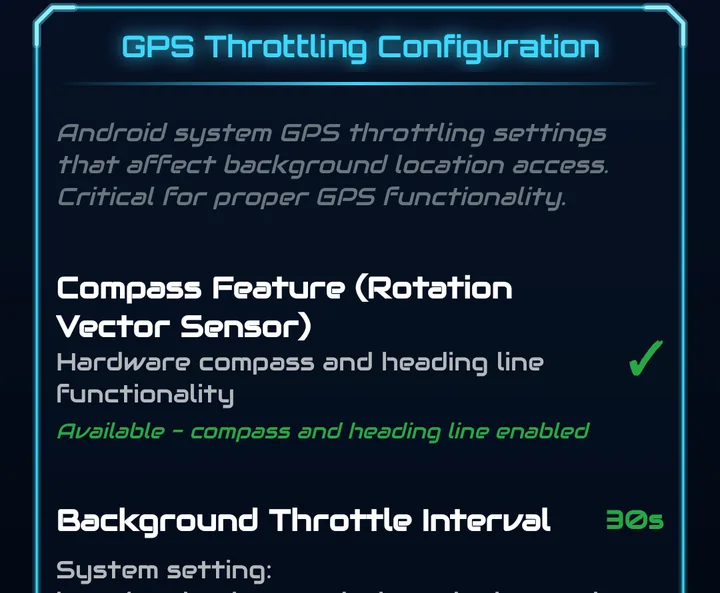
Android can slow down GPS for apps in the background. This section checks the settings that matter:
- Compass Feature — whether the phone has the rotation sensor needed for the compass and heading line
- Background Throttle Interval — should be 30 s or less
- Background Throttle Whitelist — Xopoz should be Whitelisted
- Significant Motion Detector — the sensor that wakes GPS when you start moving; without it there may be gaps during deep sleep
A green tick means OK, a red cross means not available. Tap Fix GPS Throttling Issues for guided help.
Logging
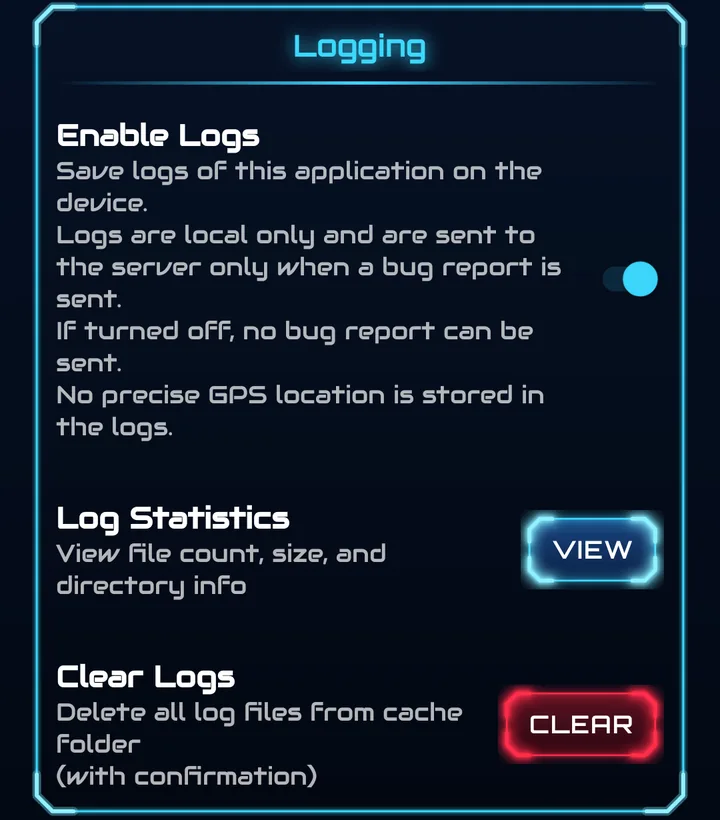
- Enable Logs — saves technical logs on the device. They stay local and are sent only with a support ticket; no precise GPS location is stored in them. If turned off, no bug report can be sent with logs.
- Log Statistics → View — number of files, size and folder
- Clear Logs → Clear — delete all log files after confirmation
License
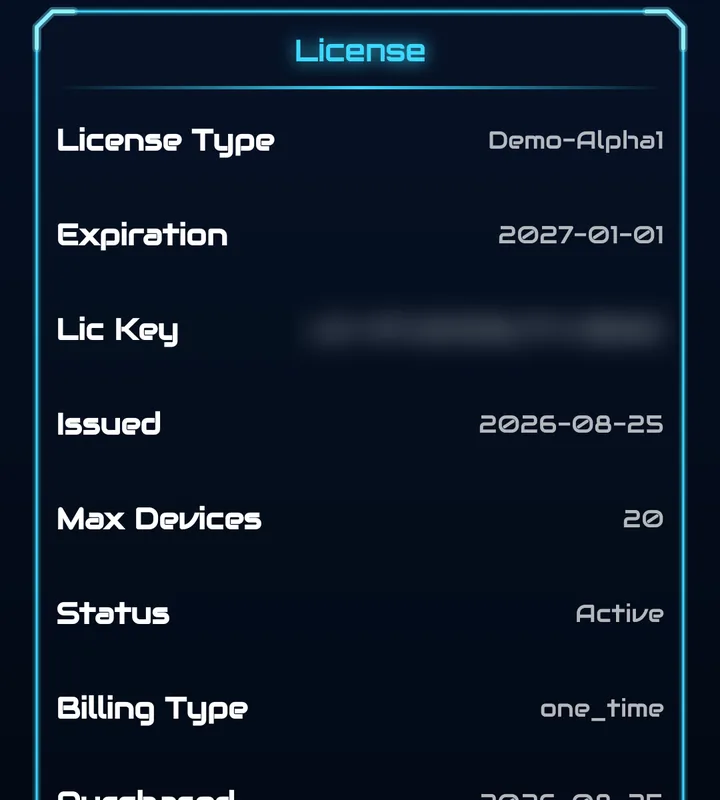
Shows your plan: license type, expiration date, license key, issue date, maximum number of devices, status, billing type, purchase date and auto-renewal. An expired license is shown in red.
Tap Refresh License to check it against the server immediately.
My Devices
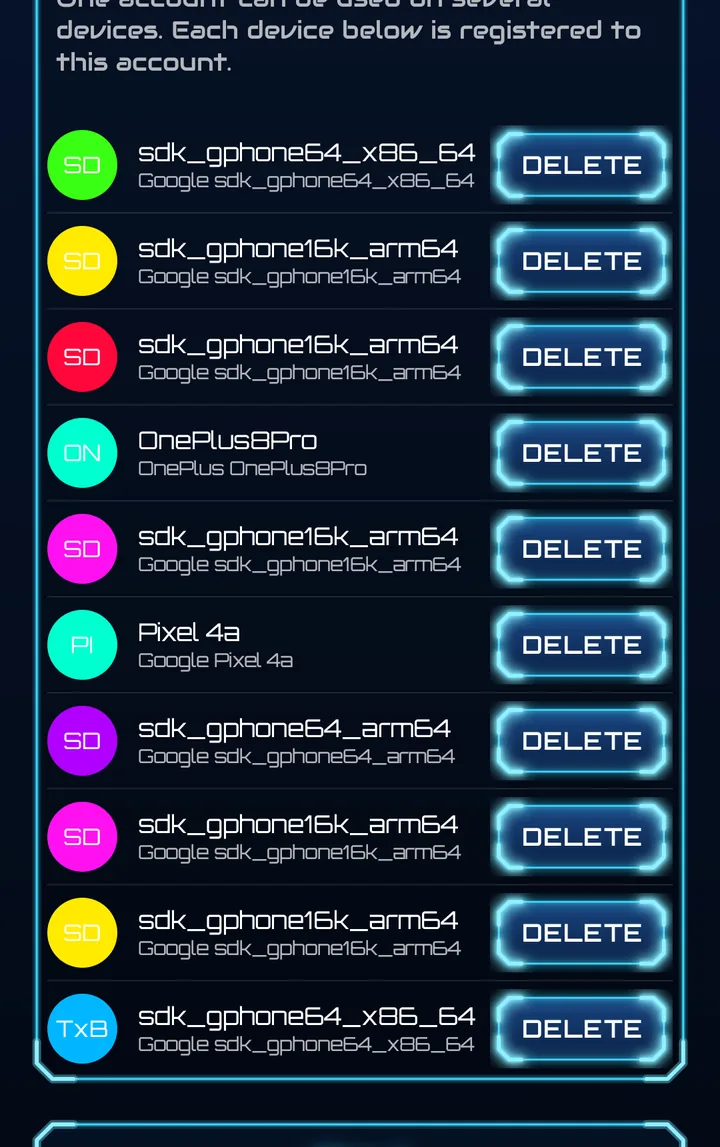
One account can be used on several devices. Every device registered to your account is listed with its ticker, name and model. Tap Delete to remove a device you no longer use.
About
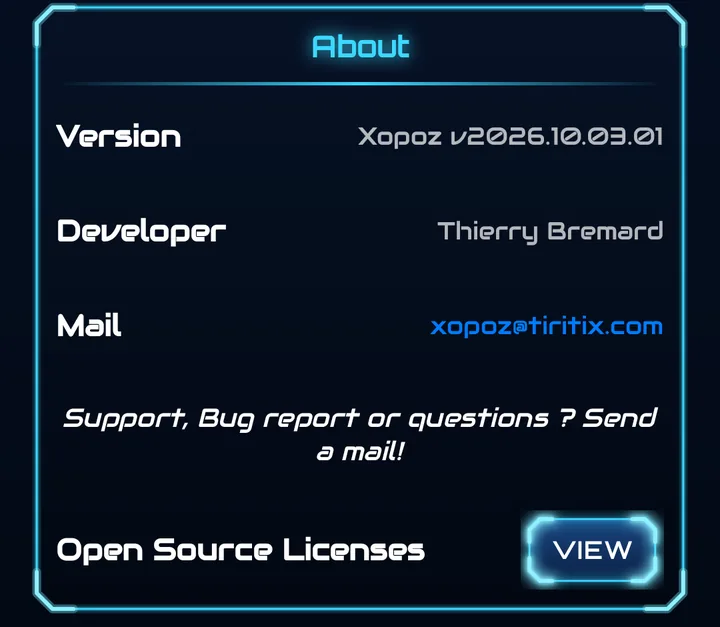
The installed version, the developer and the support address xopoz@tiritix.com. Open Source Licenses → View lists the open-source components and the OpenStreetMap attribution.