Xodar
The desktop supervisor for your fleet of Xopoz devices. Like a radar screen, Xodar shows every device of your teams moving on one big map — with events, emergency alerts and replay — while staying invisible itself.
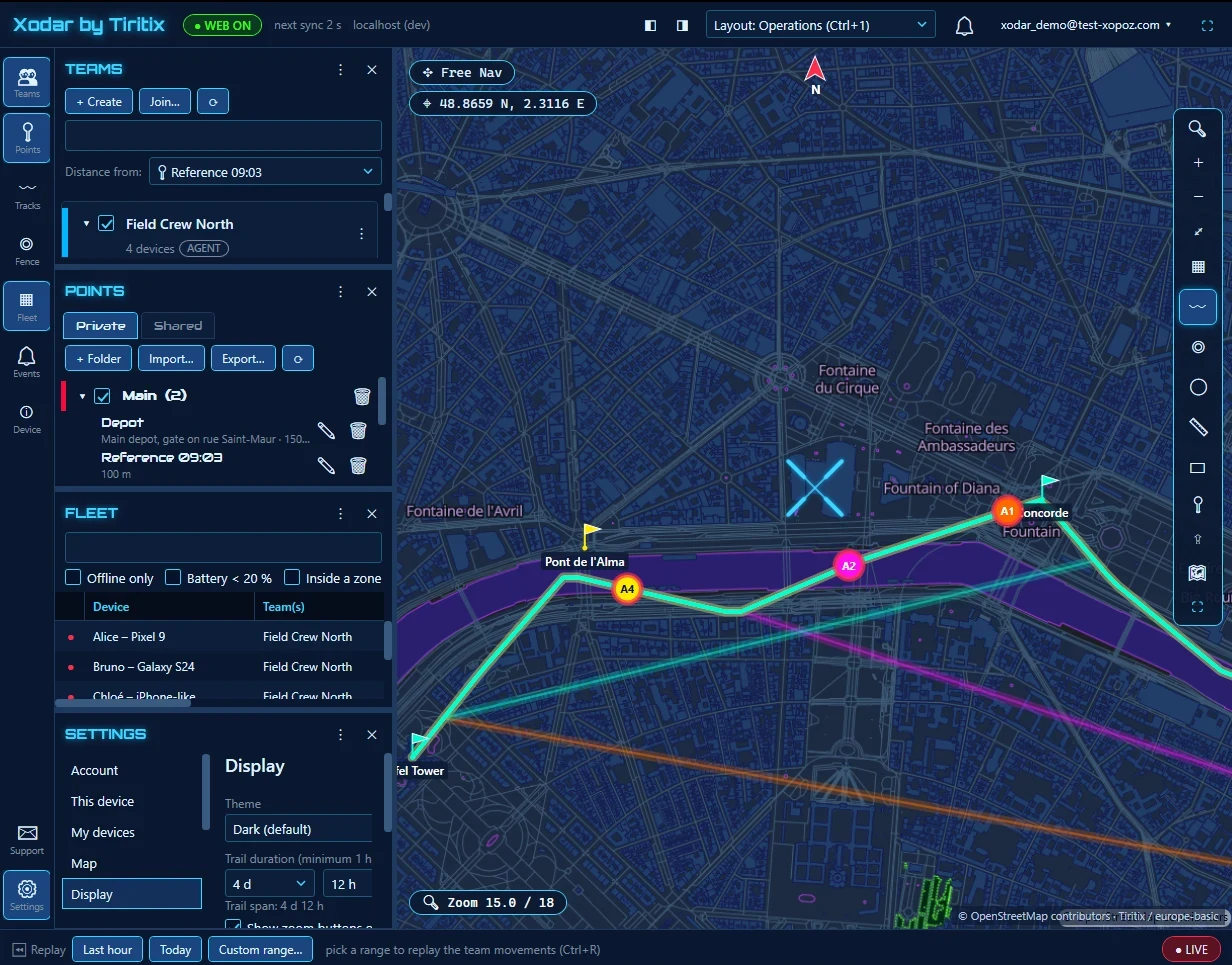
Your Whole Fleet on One Map
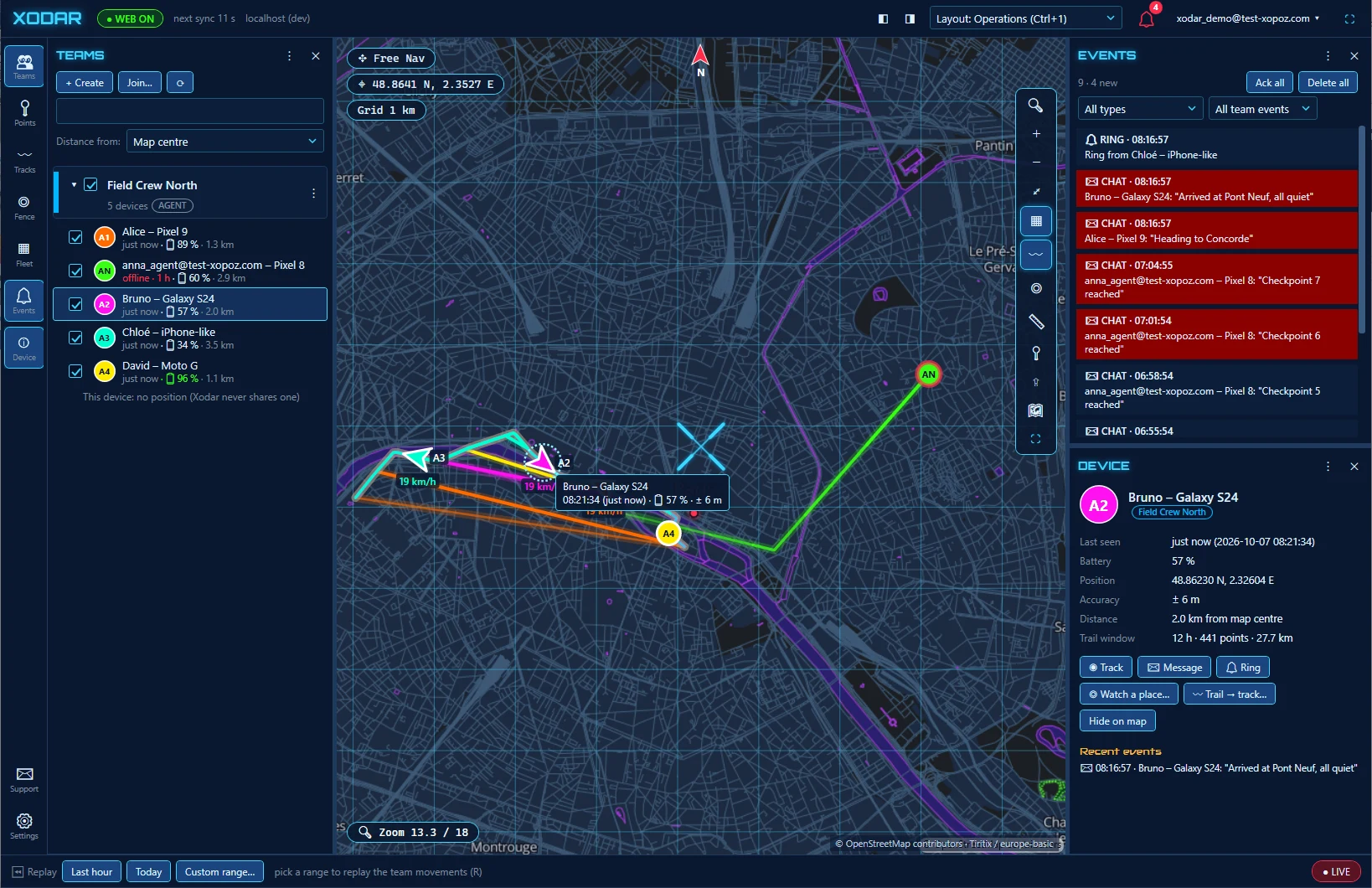
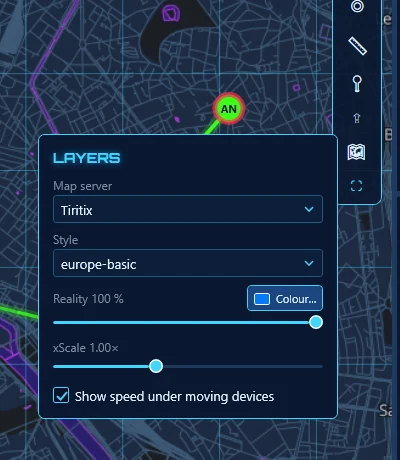
Every device of your teams moves live on a large desktop map, with trails, speed under moving devices and distances from any reference point.
Events & Emergency Alerts
SOS alerts, team chat, rings and geofence notifications land in one events panel — acknowledge them, filter them, never miss one.
Device Inspector
Select a device to see when it was last seen, its battery, position accuracy and trail window — then track it, message it or ring it.
Replay
Replay the last hour, today or any custom range on a timeline, and see where every device was at any moment. Ideal for debriefs.
Teams, Points & Geofences
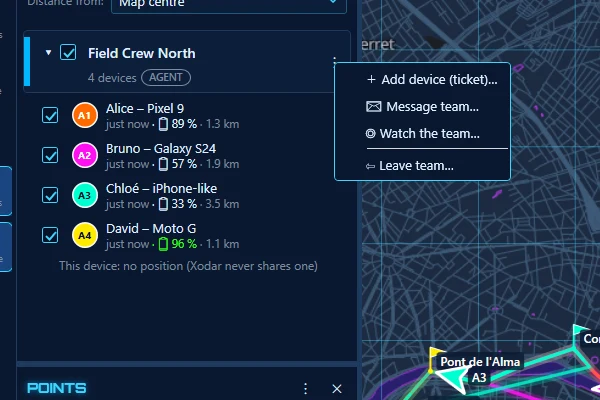
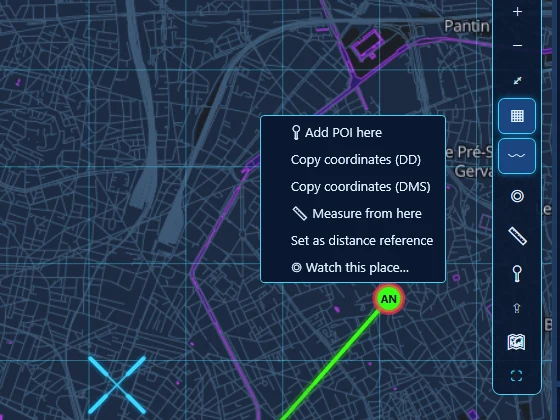
Create teams and add devices, manage points of interest, tracks and geofences from the desk — the same data your agents use in the field.
Built for the Control Room
Dockable panels, layout presets, full-screen map and a wall display mode for a dedicated supervision screen.
A Radar, Not a Tracker
Xodar never shares a position of its own and never appears on the team map. It only observes, like a radar screen.
End-to-End Encrypted
Xodar holds the team keys and decrypts positions locally on your PC, exactly like the Xopoz app. The server only relays ciphertext.
Windows 10 (1809+) or Windows 11, x64
Your existing Xopoz account — the same one as on your phones
For companies holding 10+ Xopoz licenses; each Xodar PC counts as one device
Your agents run the Xopoz Android app